Build your own self-hosted OpenShift-like PaaS!

Build your own self-hosted OpenShift-like PaaS!
Hello Everyone,
Today we will be building our own self-hosted PaaS solution, to deploy our applications in a OpenShift style in our own platform.
We won't be reinventing the wheel, so we will be using a solution called CapRover.
To describe a little bit the solution I will show the perks and features it offers:
CapRover is an extremely easy to use app/database deployment & web server manager for your NodeJS, Python, PHP, ASP.NET, Ruby, MySQL, MongoDB, Postgres, WordPress (and etc...) applications!
It's blazingly fast and very robust as it uses Docker, nginx, LetsEncrypt and NetData under the hood behind its simple-to-use interface.
- CLI for automation and scripting
- Web GUI for ease of access and convenience
- No lock-in! Remove CapRover and your apps keep working!
- Docker Swarm under the hood for containerization and clustering
- Nginx (fully customizable template) under the hood for load-balancing
Let's Encrypt under the hood for free SSL (HTTPS)
Let's get our hands dirty
- We created an Ubuntu 18.04 instance in our AWS account.
- Added port 80, 443, 3000 in the security group so the application will work well.
- We need a domain to be able to leverage https and coolness 😎😎
- Install docker in the server.
- And finally we add an A record, pointing like *.domain.com --> EC2 Public IP.
I hope you understand this setup is boring and straight forward, I won't be showing every little detail.
After this, we just start CapRover like this:
docker run -p 80:80 -p 443:443 -p 3000:3000 -v /var/run/docker.sock:/var/run/docker.sock -v /captain:/captain caprover/caproverOnce started we jump back to our dev machine and install caprover utility with
npm install -g caproverThen we run:
caprover serversetupAnd we are guided and prompted for details with a very nice wizzard, that like such, sets up everything, changes default password and initializes everything in the domain and the platform is ready.
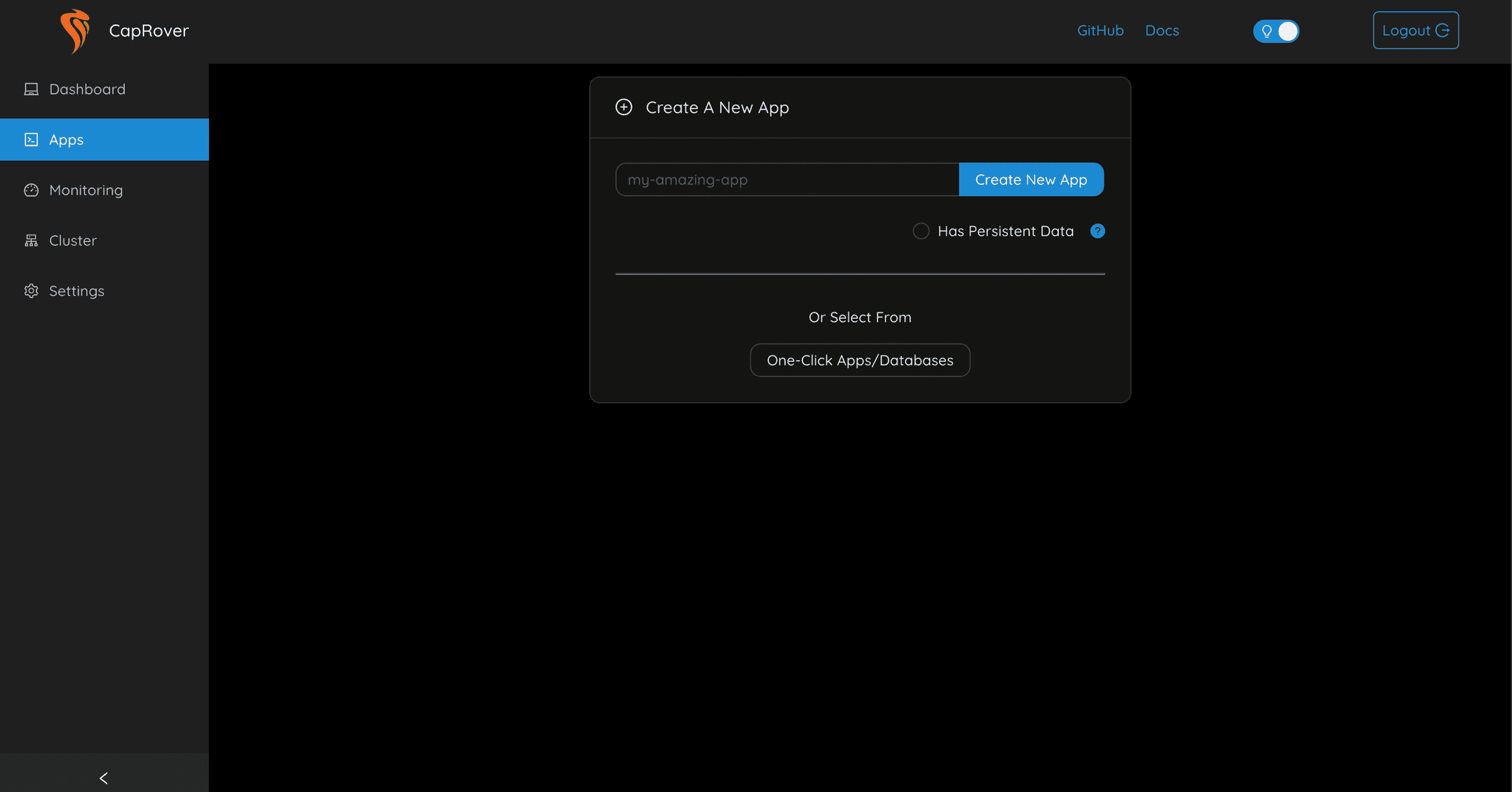
We have https, we can deploy our own application or choose from the incredible big and useful list in One-Click Apps/Databases, where as the name suggests, we can deploy in one click, Jenkins, MySQL, MariaDB, MongoDB, and much much more!
You give your app a name and it gets deployed in seconds, and it becomes name.domain.com automatically even with https enabled and well configured.
A piece of cake!
You could deploy your own apps from your developer machine with the npm tool we used before, or we could deploy apps through Github webhooks ( on push ), Tar packages, and DockerHub images.
I hope this post had helped you, be healthy, happy and productive! ✌🏻